Choose your connections
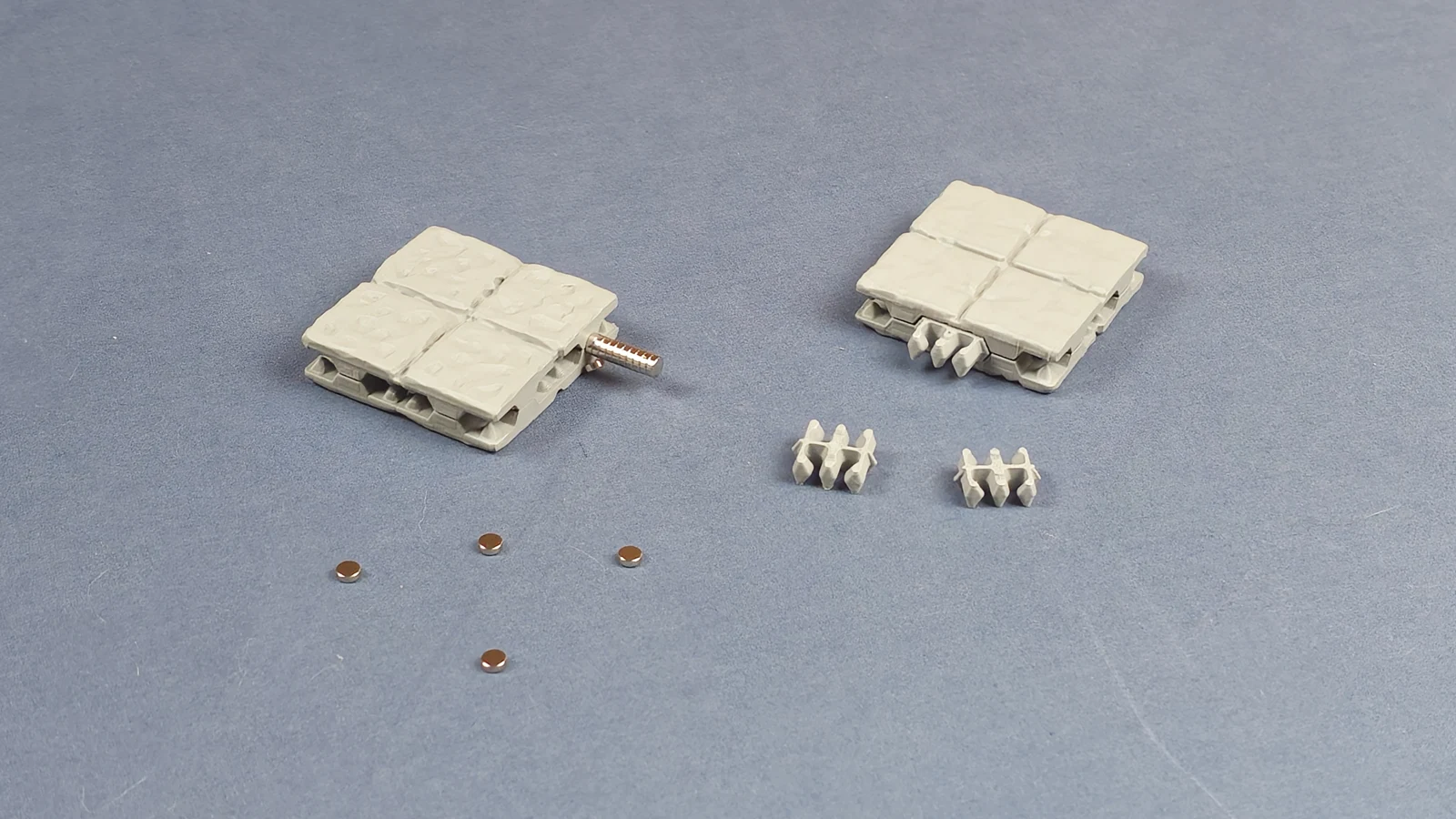
Use magnets where you want quick changes and clips where you want a firmer build.
MASTERFUL DUNGEON TILES / V2
A modular, 3D-printable dungeon system. Connect rooms, put walls where you need them, and take your encounters up a level.
V2 is coming soon. I expect the first V2 release within 1-2 weeks. Stone first, with more textures to follow.
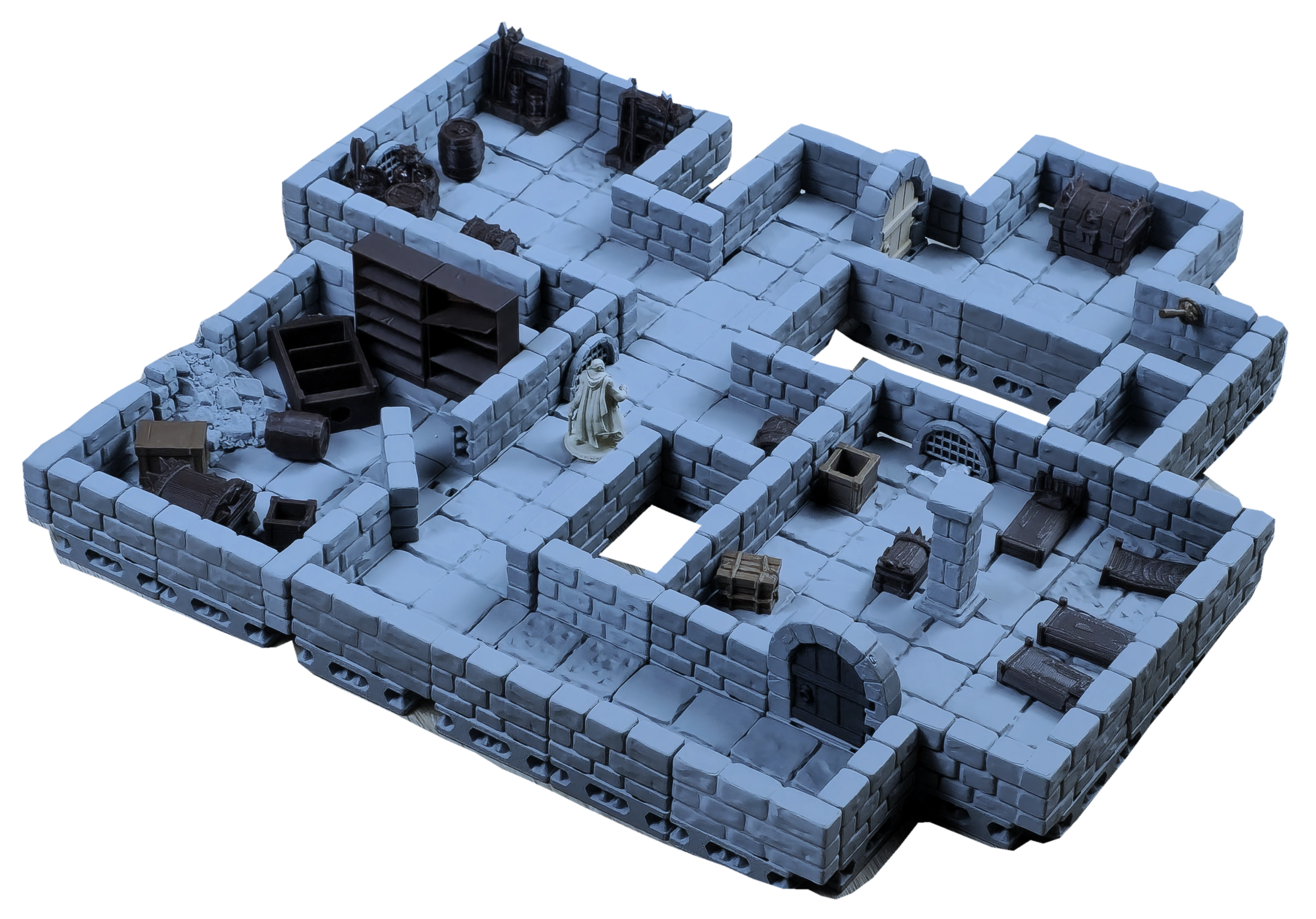
CHOOSE YOUR DUNGEON SYSTEM
More ways to connect, arrange and reuse the same pieces.
Use either connection method, or both in the same build.
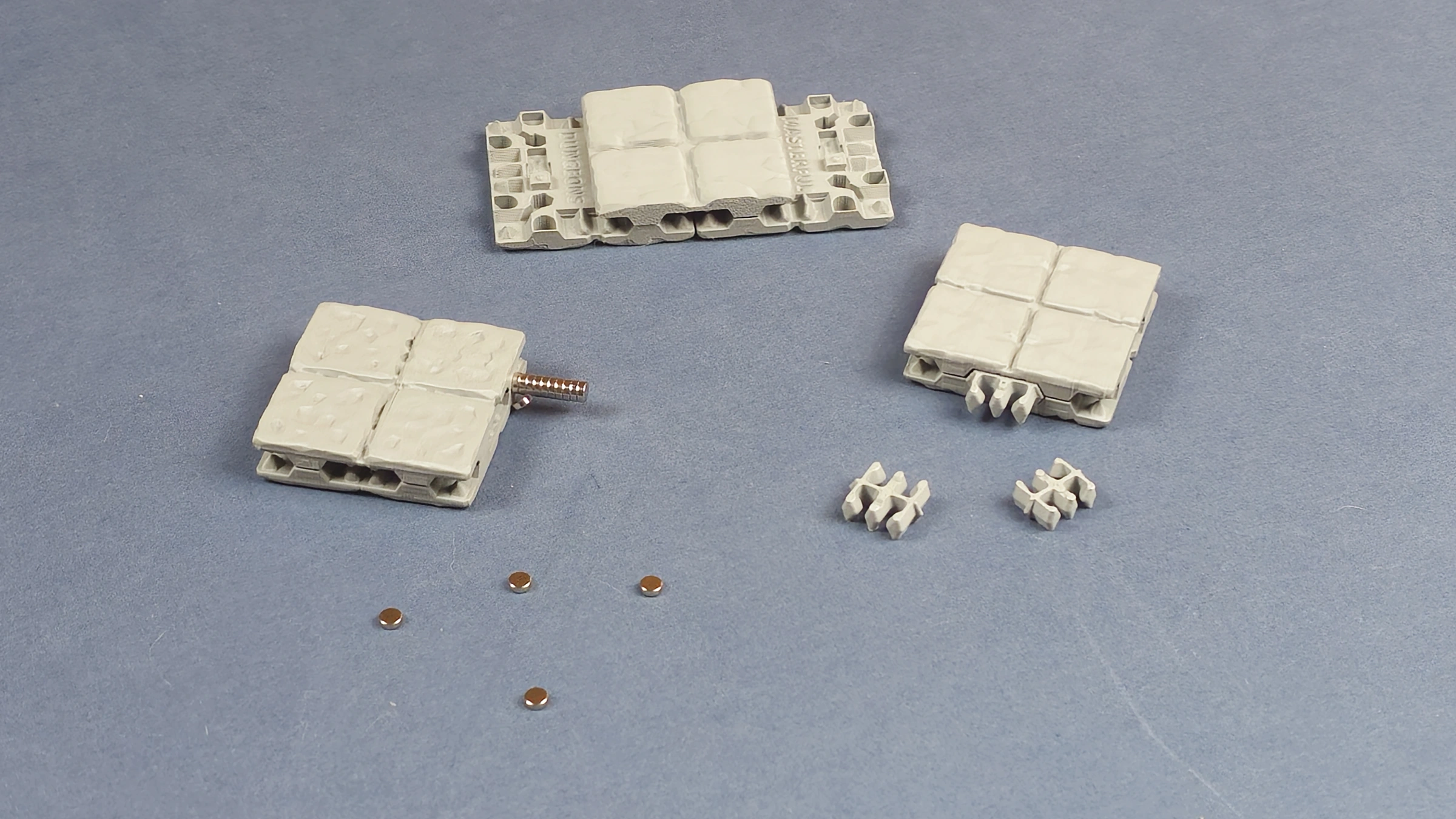
Join the halves. Overlap adjoining pieces into longer floors.
On the side, on top, or across a seam. Follow your map.
Turn ordinary floors into steps and raised walkways.
Print orientation helps preserve the sculpted surface detail.
01 / CONNECTIONS
Use magnetic connections, secure sections with clips, or combine both in the same build.
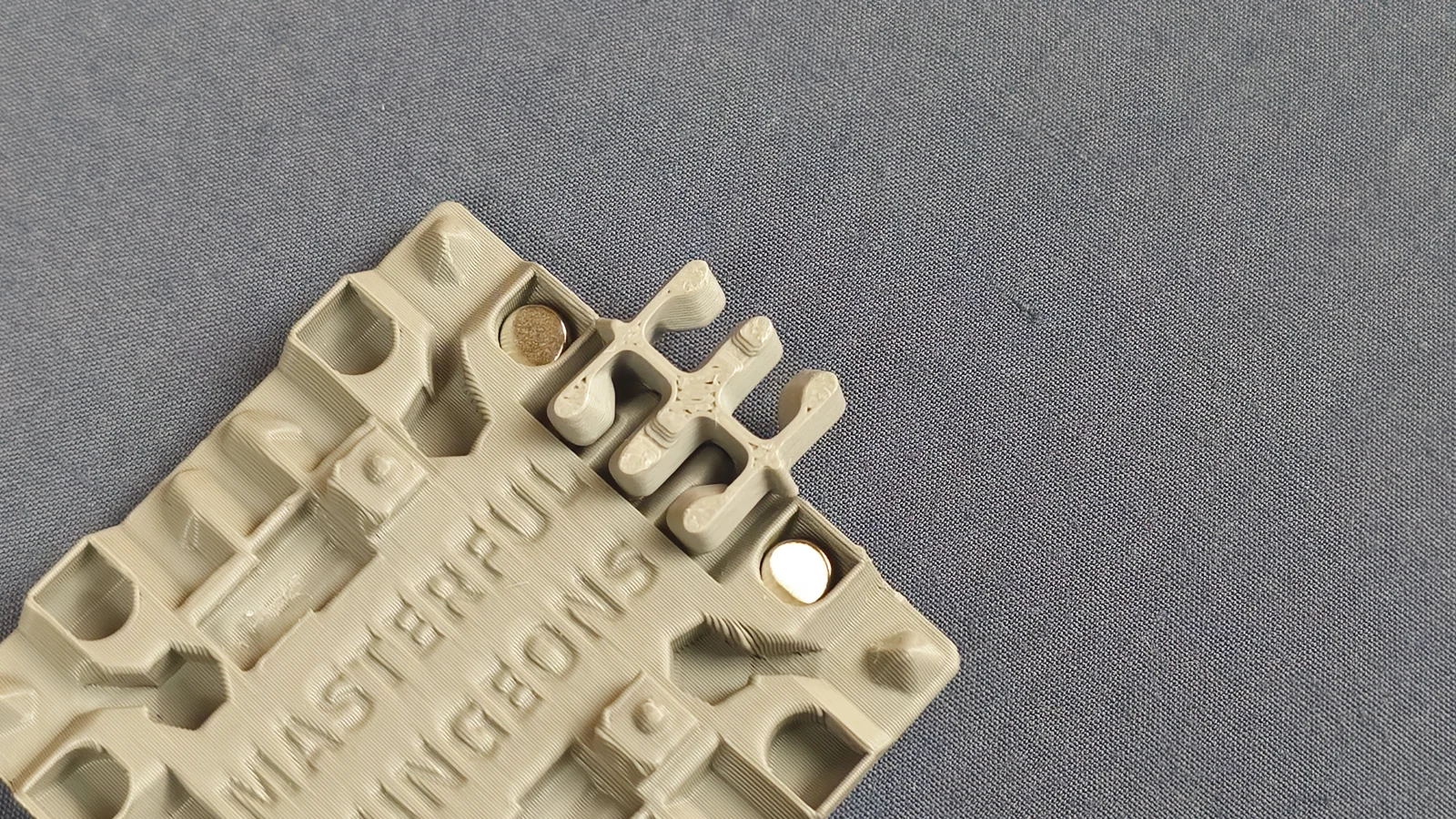
The magnets spin freely inside their spaces, so you do not have to match their polarity. Corner clips give sections a firmer connection.
Use magnets where you want quick changes and clips where you want a firmer build.
Overlap adjoining halves to make connected floors, corridors and walkways.
02 / WALL PLACEMENT
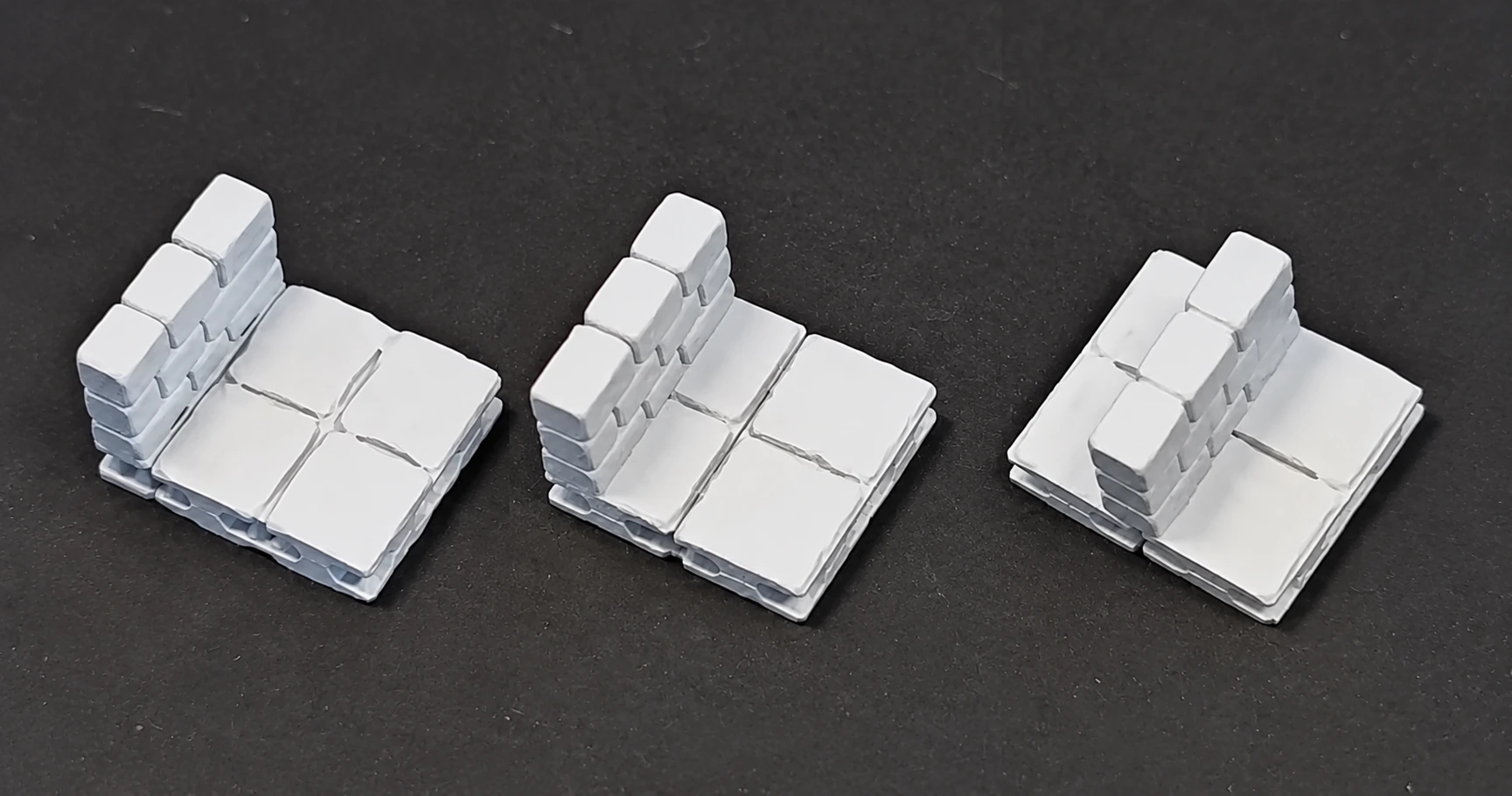
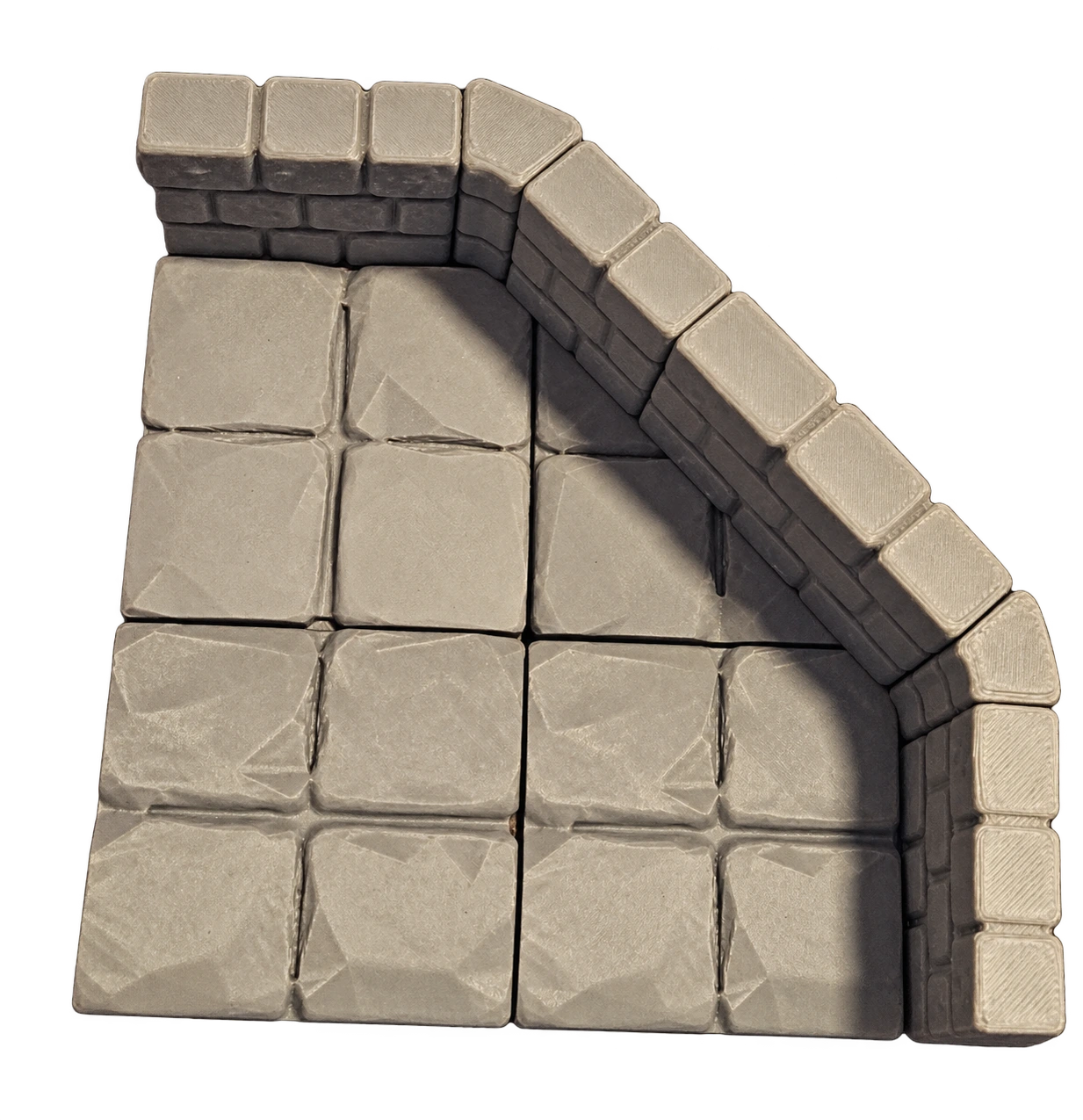
Three ways to place walls. Mix them within a layout, connect walls to each other, or use walls without floors.
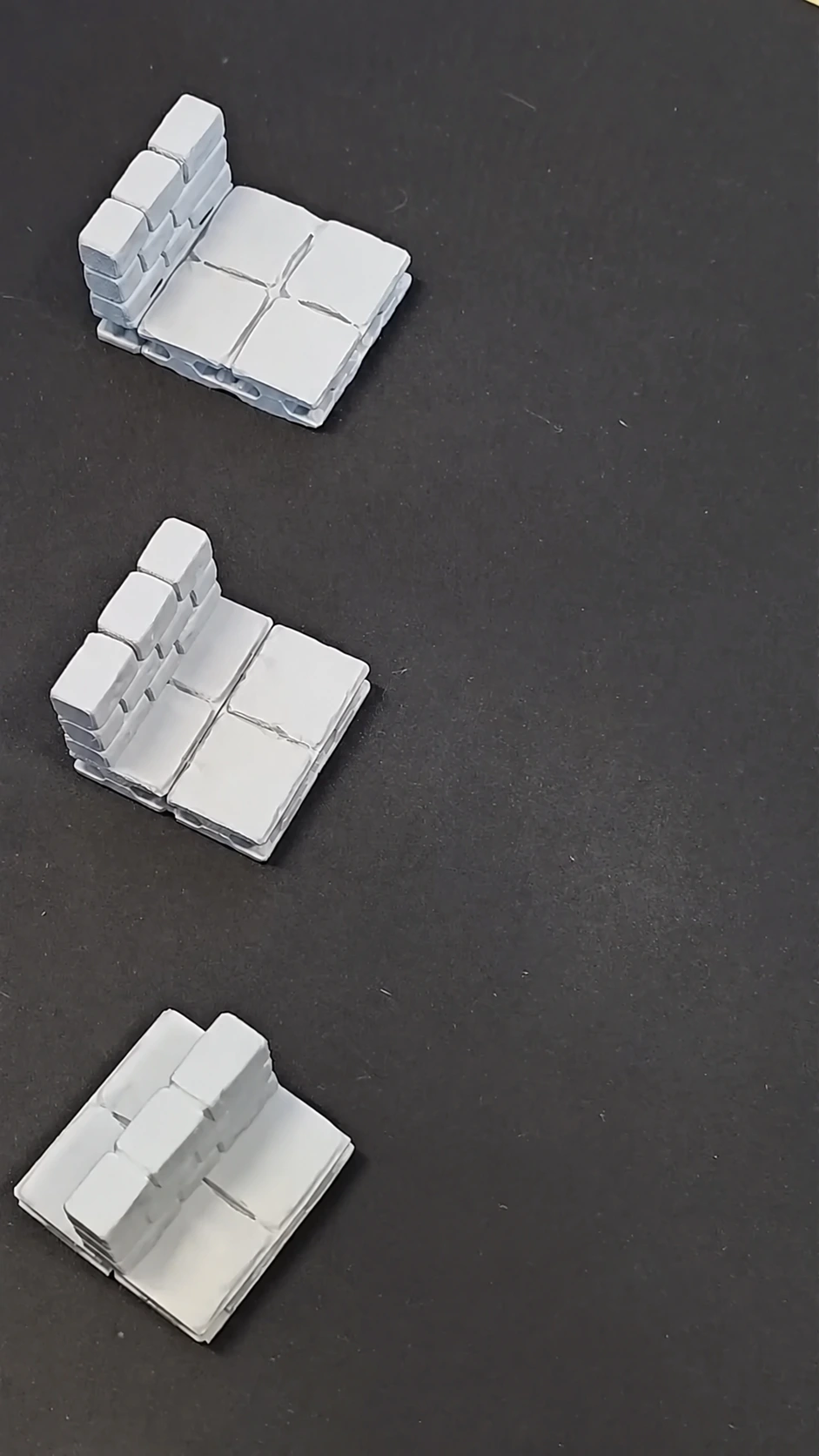
Run a wall along the outside edge of your floor.
Place a wall on the floor to divide the space.
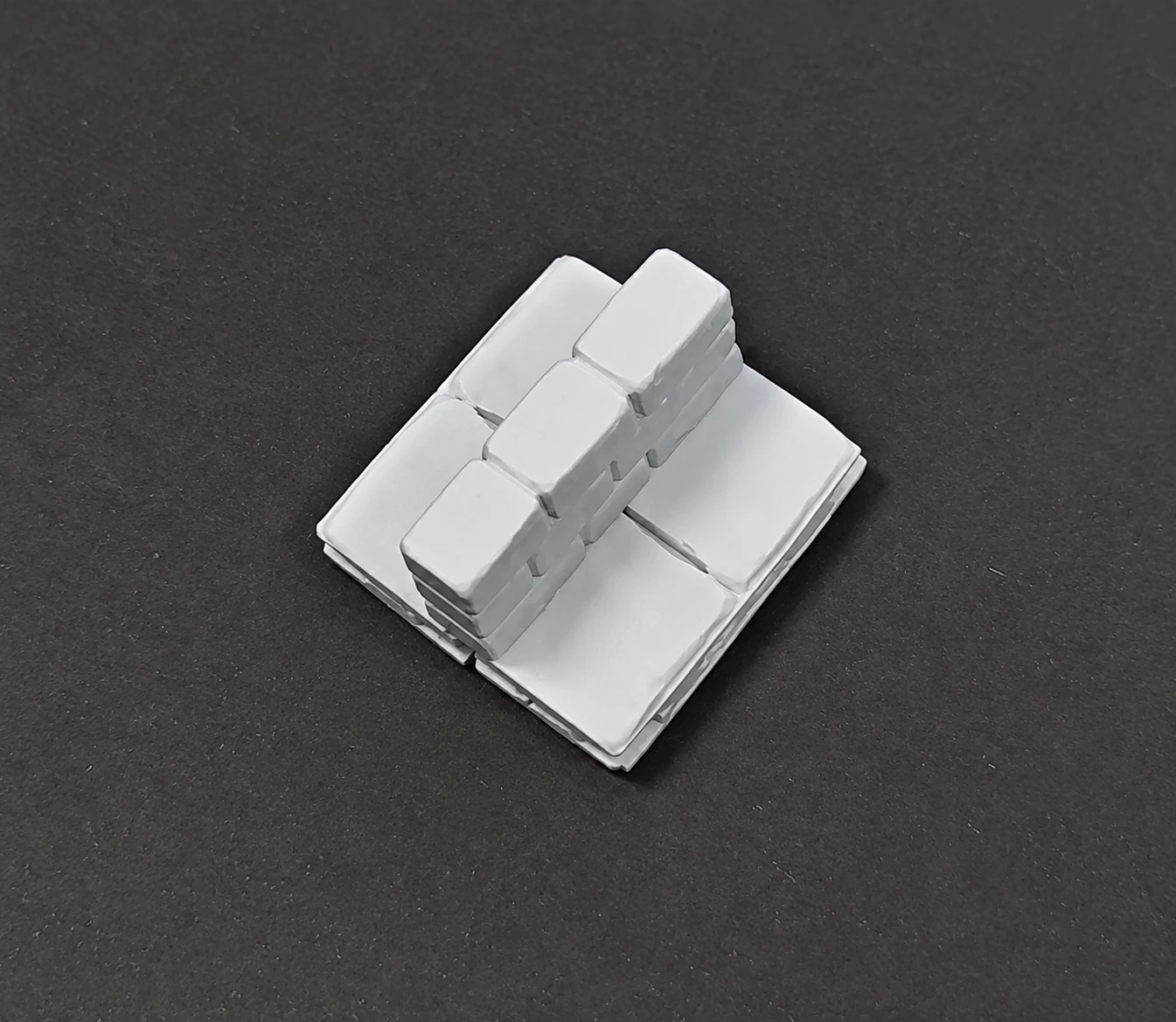
Position a wall across the seam between floor pieces.
03 / BUILD UPWARDS
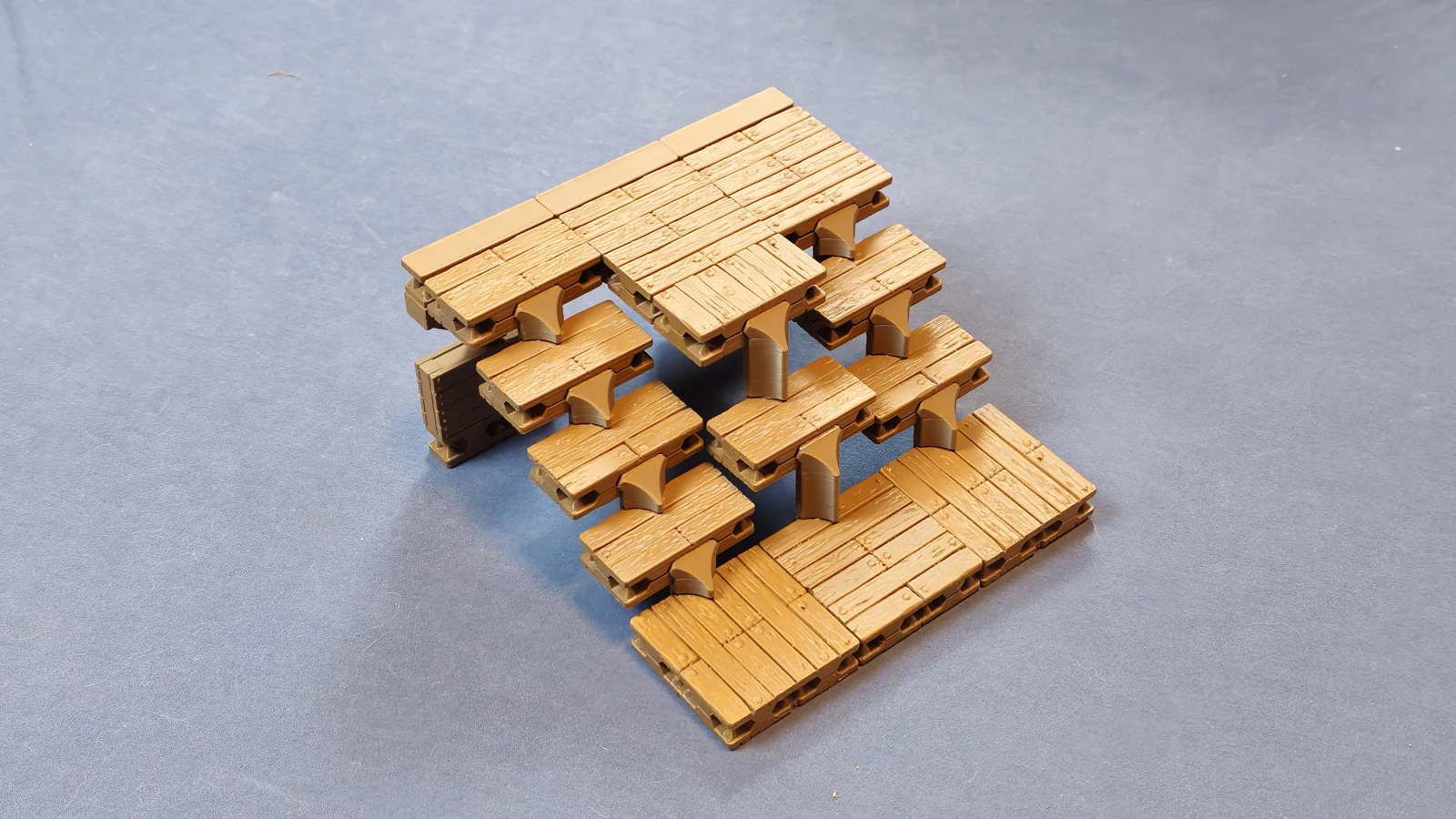
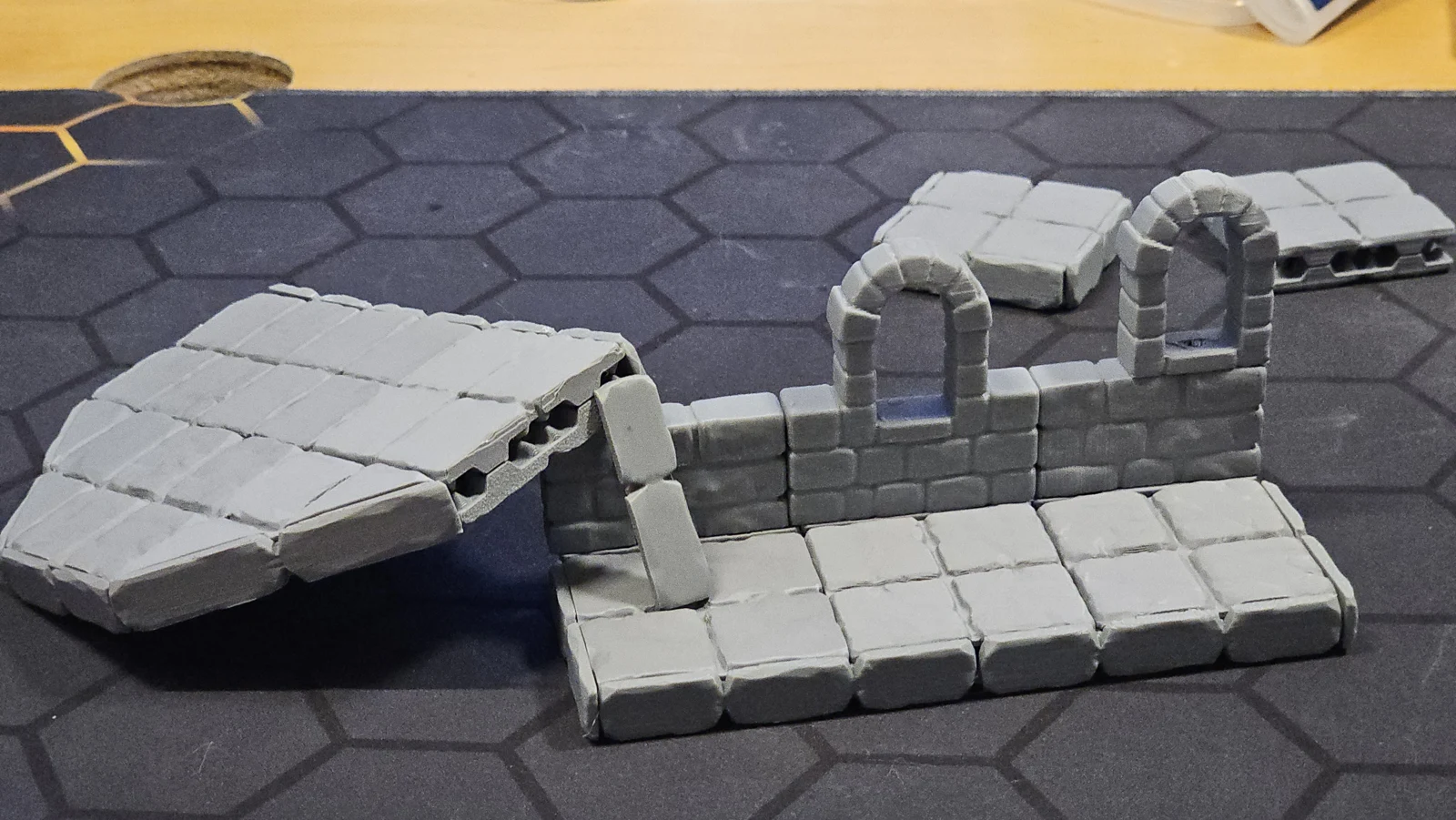
Build raised walkways and connect them with stairs made from your floor tiles.
Walls and pillars support higher levels. Lift an upper floor away to reach the miniatures below, then put it back when play moves upstairs.
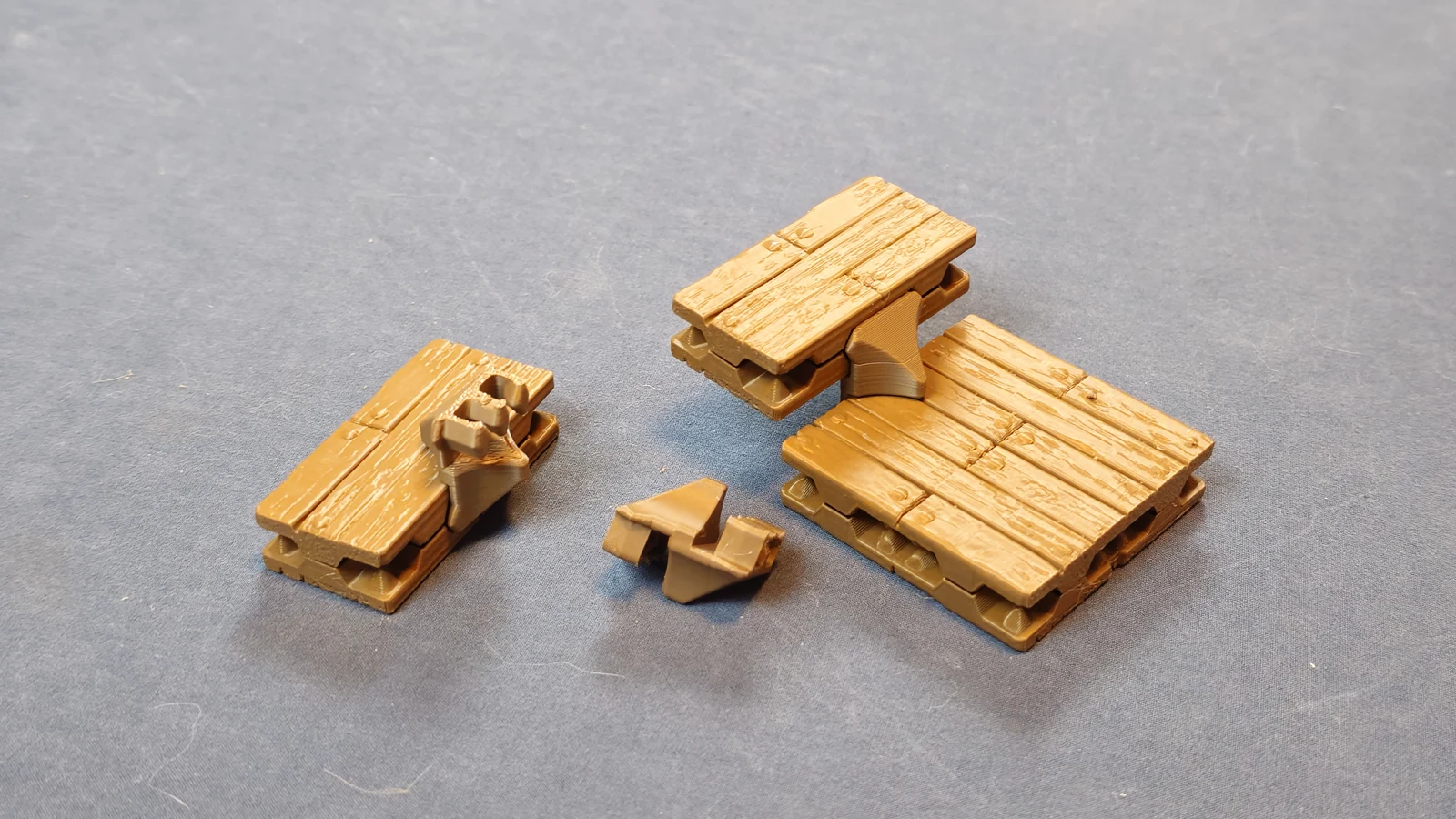
Stair clips turn ordinary floor tiles into steps with room for miniatures.
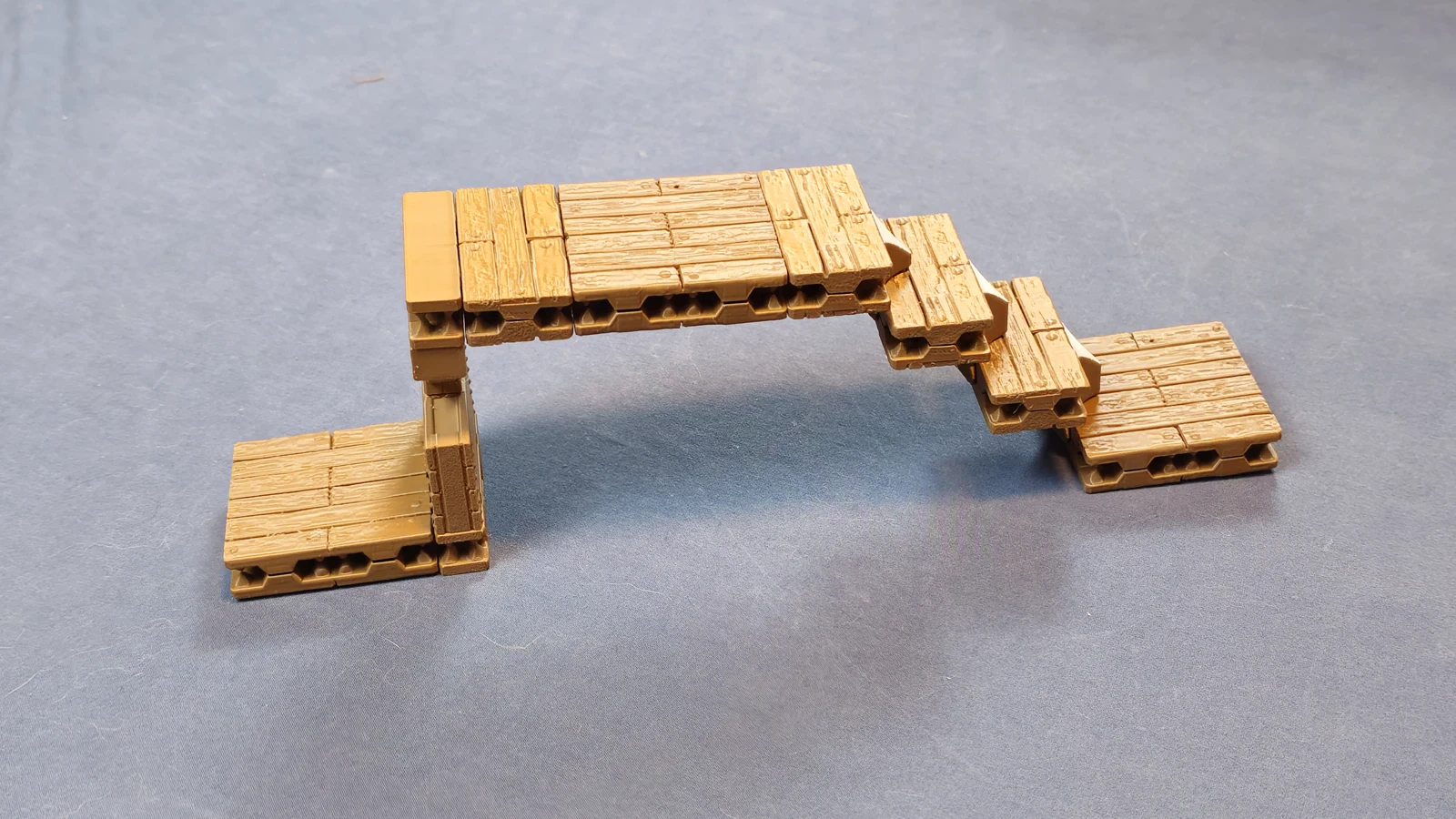
Reuse the pieces from a room as the route to the next one.
04 / AT THE TABLE
Opening doors, concealed passages and details you can rearrange.
Make exploring the room part of the tabletop experience.
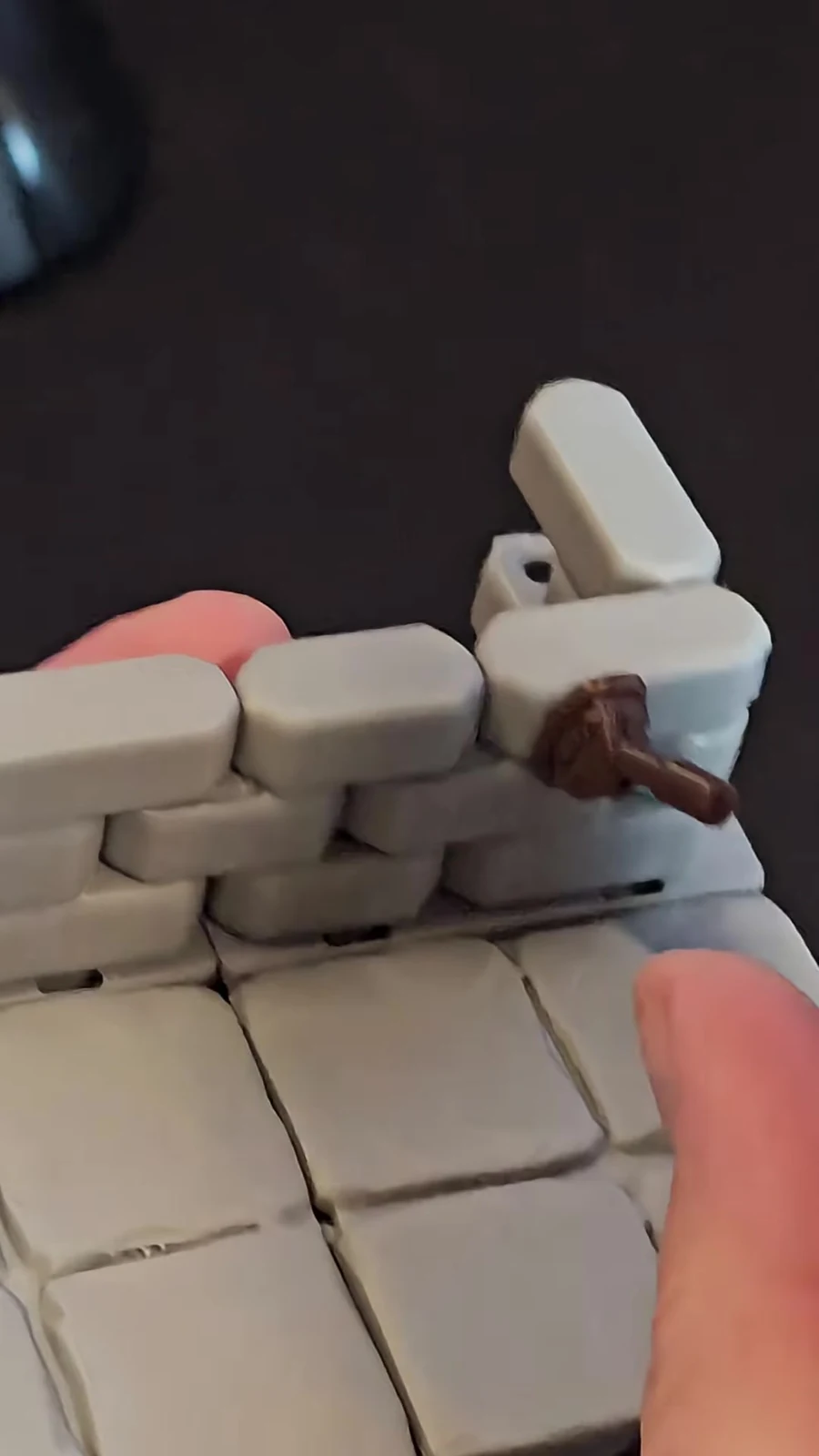
Removable magnetic wall details let you dress a room for the encounter. Clip-on wall decorations are also planned.
05 / DESIGNED FOR PRINTING
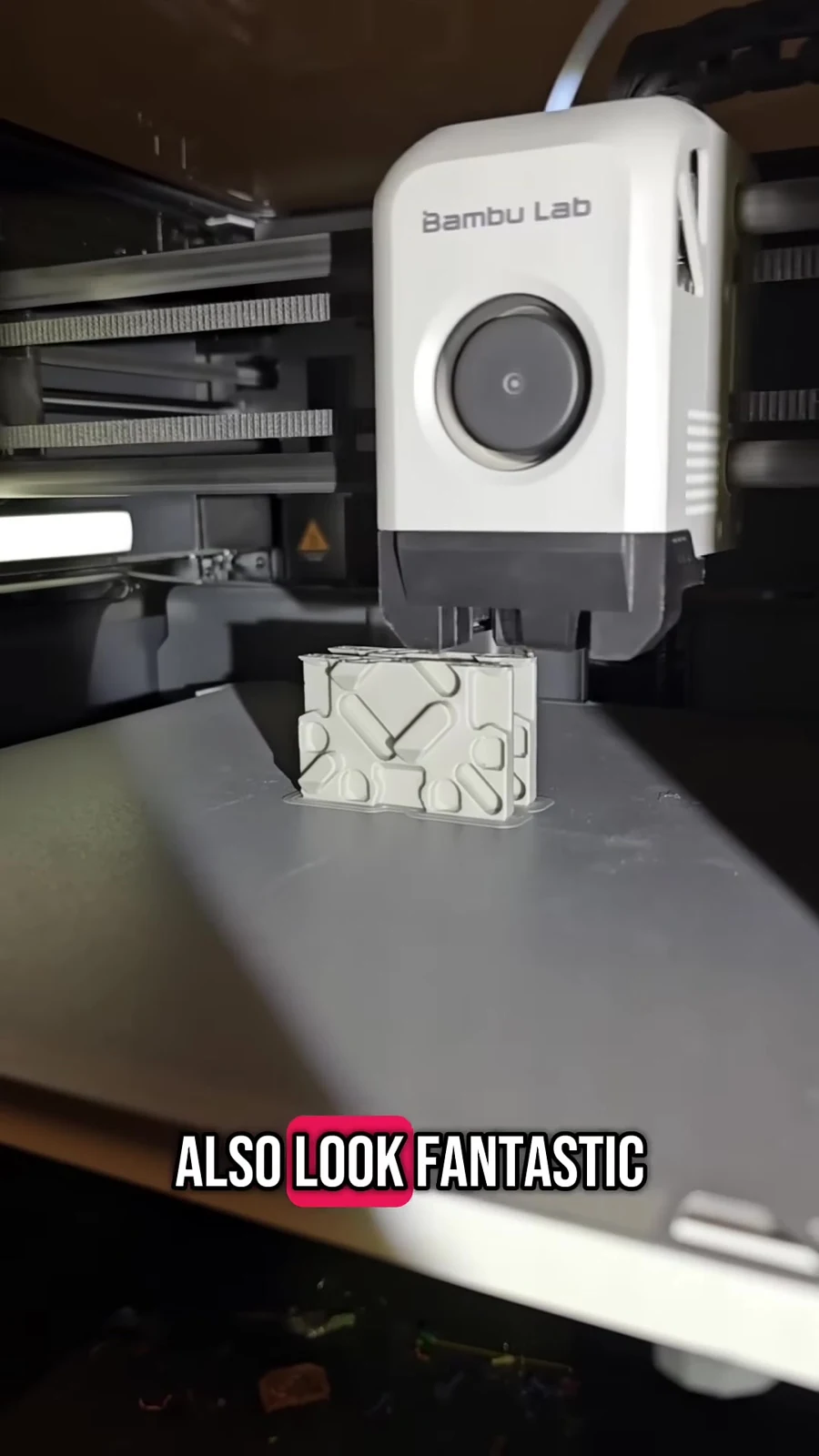
Floor tiles print upright to preserve sculpted surface detail.
Putting the sculpted surface on the side of the print helps preserve details that can be lost when printing flat. Most pieces are designed to print without supports.
See why print orientation matters ↗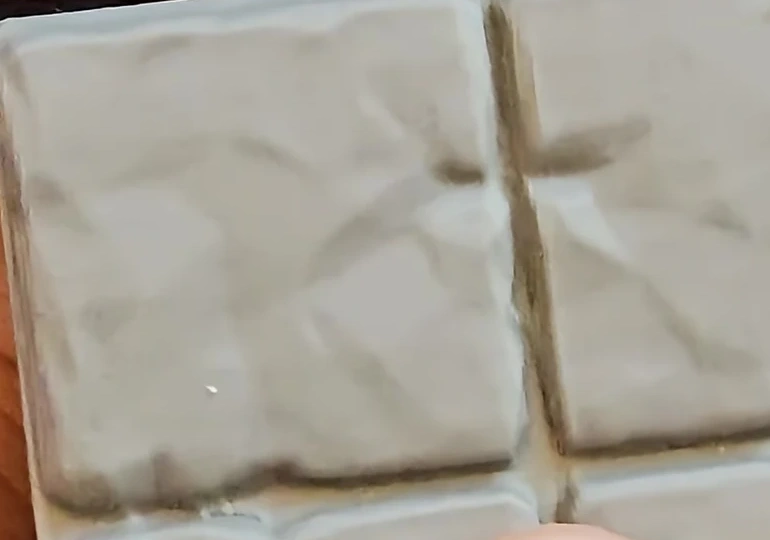
Once V2 is released, build your collection one room at a time using the free files.
Spring-assisted dovetails join the revised tile halves. Separation tools help you open them again.
Magnets under individual grid squares work with magnetized miniature bases.
Some parts, including stair clips, use purpose-made removable supports. Follow the instructions for the specific file.
The useful details
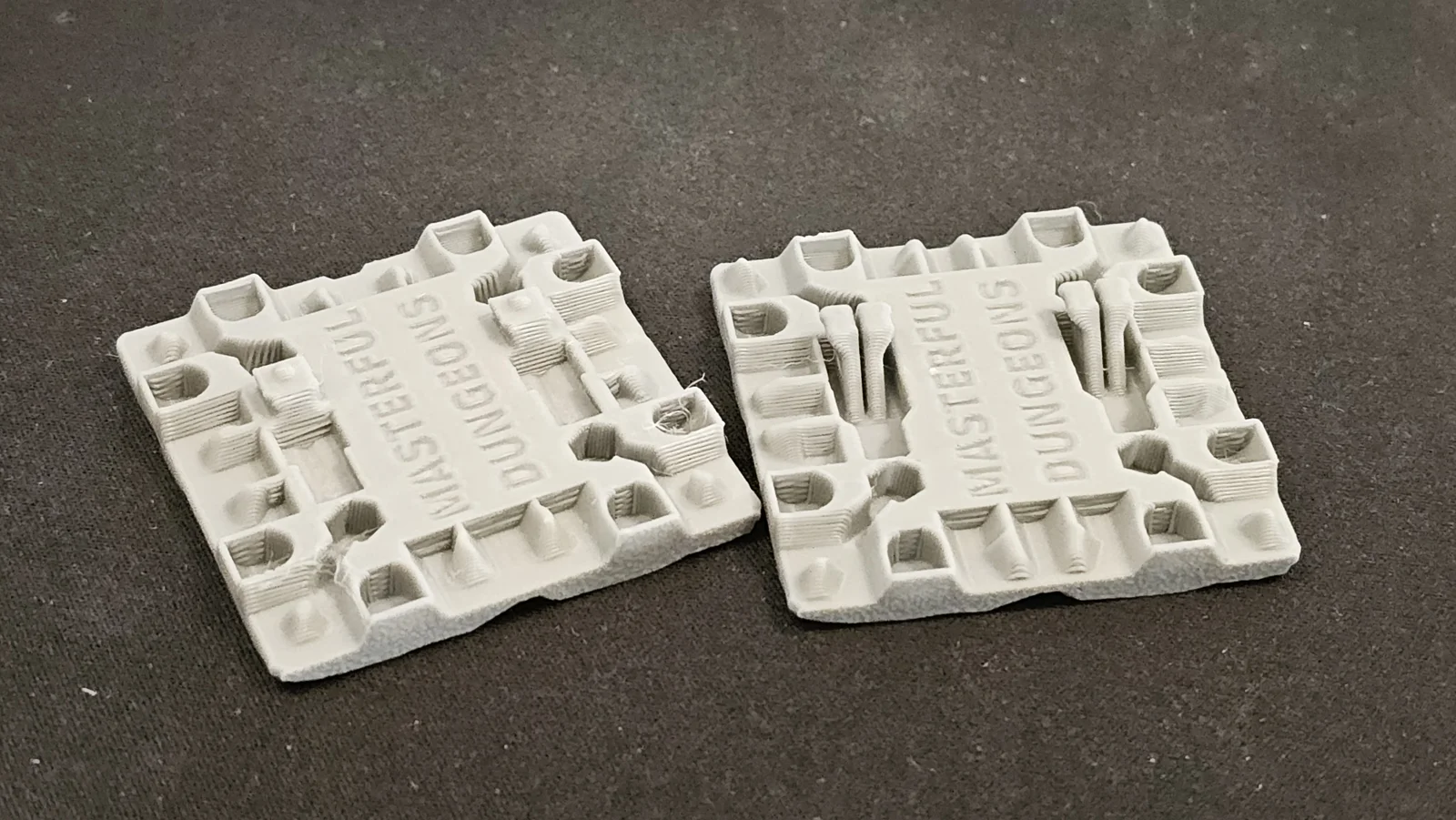
Yes. Assembled V1 and V2 floors can be used together, and old walls work in the new system. You cannot join a V1 tile half to a V2 tile half: their dovetails do not match.
V2 is not released yet. I expect the first release within 1-2 weeks, alongside the first closed Dungeon Builder beta test. This is an estimate while I finish testing. Video examples include earlier builds; check each listing’s version and instructions when files become available.
Stone is the first texture. Wood and other textures, a 30 mm grid alternative, magnetic door locks and clip-on wall decorations are planned for later. Opening doors do not depend on the planned magnetic locks.
No. The vast majority of the system is designed to avoid supports, but some parts need them. Stair clips, for example, use purpose-made removable supports. Follow the instructions supplied with the specific file.
The tile halves assemble mechanically, and the magnets need room to spin freely. Follow the instructions for the part you are printing rather than gluing magnets into place.
YOUR TABLE. YOUR NEXT ADVENTURE.
Not quite ready yet. I expect V2 tiles and the first closed Dungeon Builder beta test within 1-2 weeks. Read the release update →